
Enjoy the benefits of a premium membership!
Upgrade Account
-
TalkBass has been independent since 1998. Add your voice.
Create a free account to reply to discussions, view embedded media, and browse with fewer display ads.
Join free Log in
Want zero display ads or expanded classifieds tools? Compare plans.
You are using an out of date browser. It may not display this or other websites correctly.
You should upgrade or use an alternative browser.
You should upgrade or use an alternative browser.
Inbox and Alerts icons disappearing from menu bar
- Thread starter kat888
- Start date
More options
Who Replied?
I'm having the same problem. It's okay when I change the display format to retro, but social or default doesn't work.

No. It works in portrait but not landscape. It works fine on my iPhone. My symptoms are the same as @kat888's.
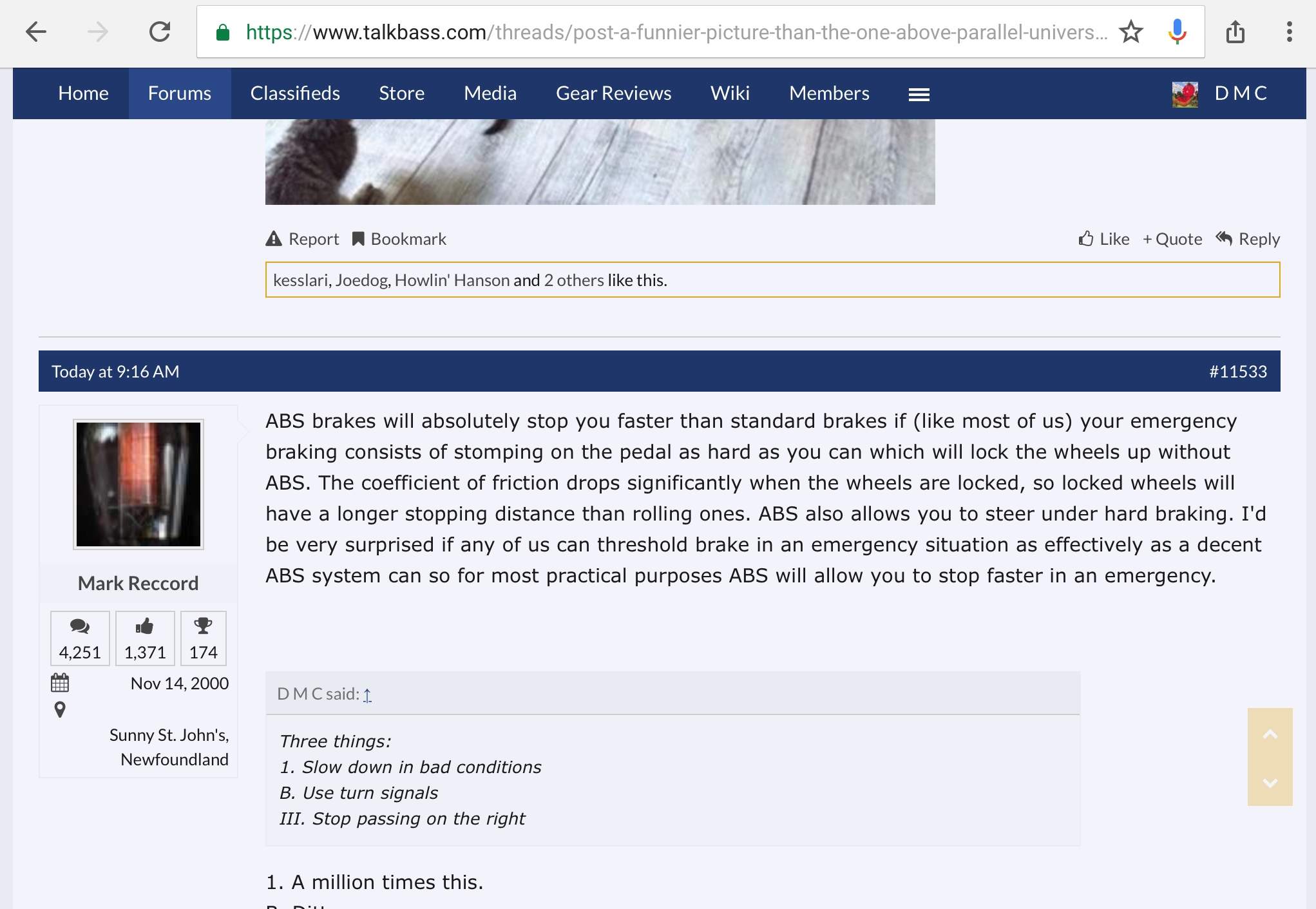
No. It works in portrait but not landscape. It works fine on my iPhone. My symptoms are the same as @kat888's.View attachment 2915016
Still the same for me as well.

I haven't been able to replicate this issue so it's tough finding a solution. What size ipad are you all using?
iPad Air 2
- Year: Late 2014
- Capacity: 16, 32, 64, 128 GB
- Model number (on the back cover):
A1566 on the iPad Air 2


