- Dec 21, 2007
- 15,233
- 45,134
- Disclosures
- Lark in the Morning Instructional Videos; Audix Microphones
I'm getting input, but not into the programs I want. I'll explain:
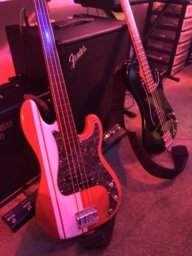
I'm using Audacity and want to record a bass part.
I am not getting any signal into the program. I've had the same issue with Ableton Live.
I am getting signal into the Mac (per the Audio Input level under System Preferences)
The details:
I'm using a Mac ()SX 10.10.5)
I connect the Focusrite via USB, as directed. Bass into Focusrite instrument input.
In Mac Settings I select the Focusrite as my input device.
The "Input Level" shows that it is reading the signal.
In Audacity I select the Focusrite as my input device.
I press Record. No signal. The record line stays flat. No audio recorded.
So - I'm sure I'm missing something fundamental.
Thanks in advance for the help.
I'm using Audacity and want to record a bass part.
I am not getting any signal into the program. I've had the same issue with Ableton Live.
I am getting signal into the Mac (per the Audio Input level under System Preferences)
The details:
I'm using a Mac ()SX 10.10.5)
I connect the Focusrite via USB, as directed. Bass into Focusrite instrument input.
In Mac Settings I select the Focusrite as my input device.
The "Input Level" shows that it is reading the signal.
In Audacity I select the Focusrite as my input device.
I press Record. No signal. The record line stays flat. No audio recorded.
So - I'm sure I'm missing something fundamental.
Thanks in advance for the help.