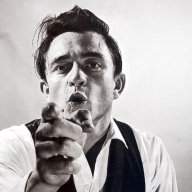
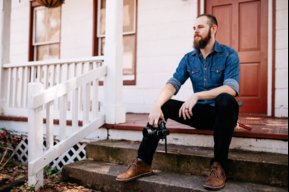
I'm no pro at it by any means, but I know just enough to effectively make fun of people. On the main tool bar, get to know the different tools. The ones I use the most are the magnetic lasso tool, and the eraser. There are other tools in each icon, right click to select them. Here is a quick crash course on how to make fun of people by putting their face in a bad pic.
First, open the main picture you plan to use. Leave it on the screen, and open another one, with the face of the victim. I like to maximize the screen when working on that pic, just to make things a little easier. Then select the majic lasso tool, and go around the victims head with it until it is a complete circle around it. Once that is done, go to edit, then click copy. Now that you have the victims head copied, you're essentially done with that picture, and can now close it.
Go back to your original, main picture you are using, and maximize it. Then go to edit, and select paste. You can then go to edit> free transform, to move the head, and size it accordingly. I normally magnify the pic to only the area I am working on. If you have extra stuff you'd like to get rid of on the pasted head, you can use your eraser tool to get rid of them. You need to understand that PS works in layers, and it will only modify the top layer, until flattened, which can be done in the layers menu.
Other tools I use to blend are the smudge tool, and it is also good to get aquainted with the color sample tool, and brushes, for airbrushing, to help blend things together, and make shadows. After you use the brush tool, you can click edit.fade brush tool to get a nice transparency to fade the added brush stroke into the pic.
Another quick tip, when lifting a pic off the net for photoshop work, don't bother saving it to your hard drive first, simply right click it, and select copy. When you open photoshop, then go to "New", it will then pop up a window with the picture dimensions already there, for the image on your clipboard. It is much easier this way, and you may have some trouble with PS recognizing certain images that have been saved.
I learned all of this by trial and error, not great at it, but this should help get some photoshop newbies a quick start.
Hope this helps someone.