• TalkBass has been independent since 1998. Add your voice.
    Create a free account to reply to discussions, view embedded media, and browse with fewer display ads.
    Join freeLog in
    Want zero display ads or expanded classifieds tools? Compare plans.

Photoshop help.

Hey photoshop gurus, I have a couple .gifs I want to shrink down to use as avatars (not sure which one to go with). What would be the best way to both crop and shrink the .gifs below to 100X100 pixels while retaining image quality? My .gif skills (and my photoshop skills in general) are minimal. Any help would be awesome. Thanks.

The .gifs:
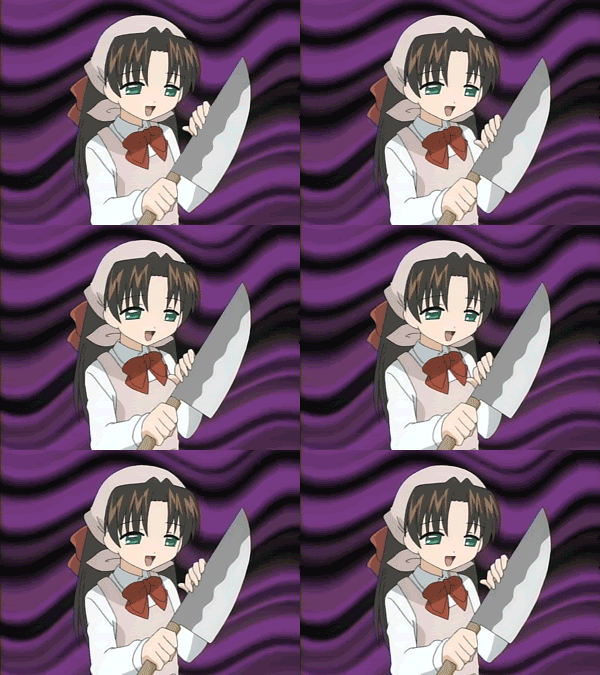
miscmyprecious.gif


c6e9d35080f970610959046.gif


Edit: I'll go with the first one, but the second one will be good practice :D
 
excane's right. Photoshop is far from optimal for a job like this, although the older version with ImageReady could handle it. Better use a simple, dedicated .gif animator like the (free) Beneton Movie GIF.

100x100 version (cropped):

miscmyprecious3.gif


EDIT 1: Sorry it turned out too large, didn't know about the Kb limit
EDIT 2: Now optimized for size (~20K)