
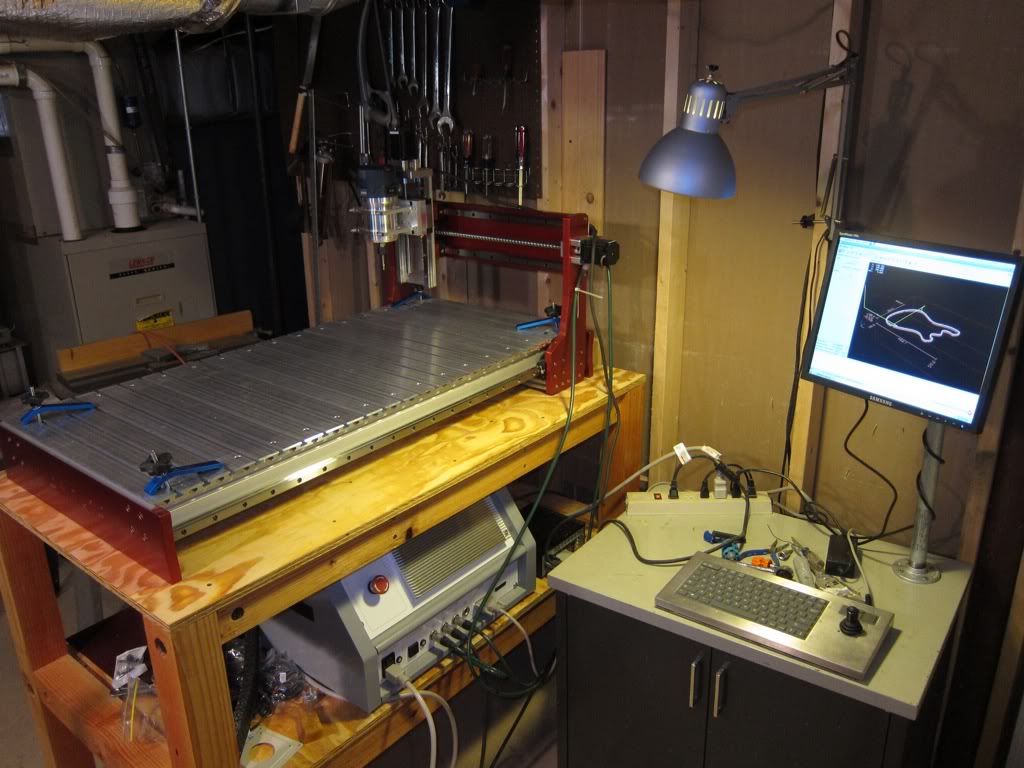
Victory! I'm done with the basic assembly.
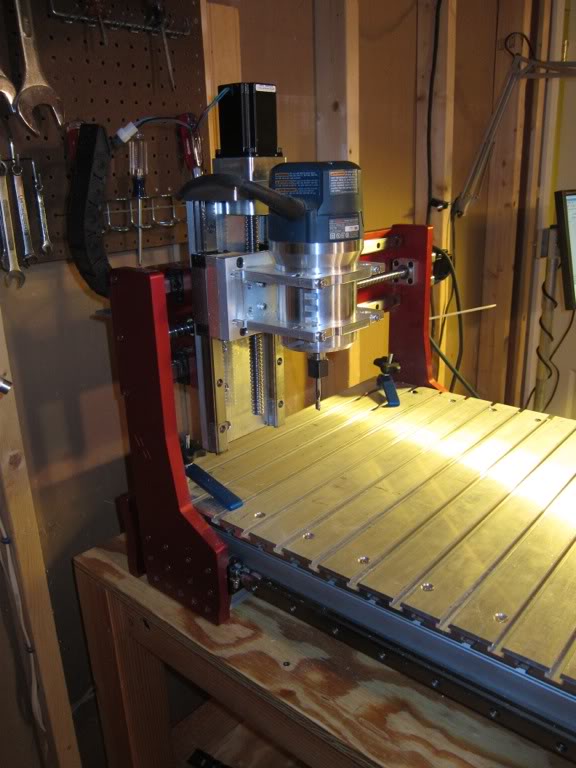
Was having problems with that little Bosch Colt, and realized pretty quickly that it was just too tiny for this application. My trusty Bosch 1617 is now mounted up:
Yeah, yeah, I hear you - shut up and let's see it go!
First cut on YouTube!
Yes, I'm running it super slow - better safe than sorry. Spending half of my life in industrial environments tends to make me a little cautious.
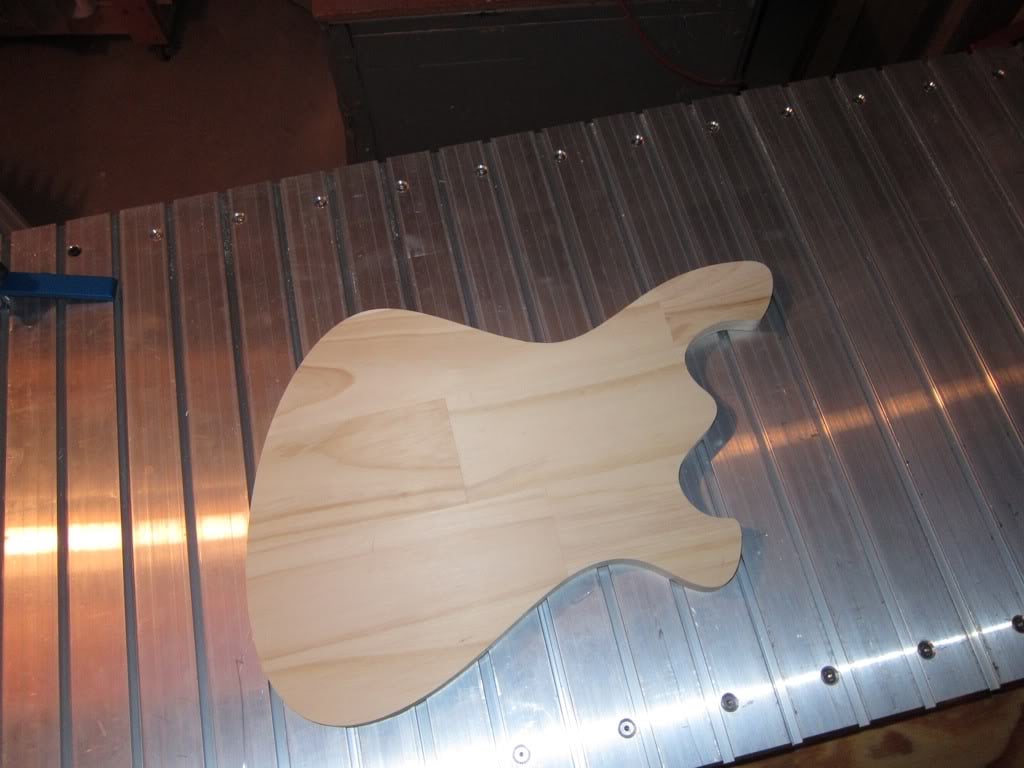
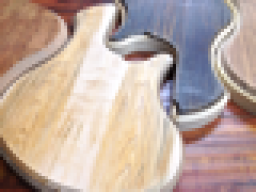
Cut out an outline of my "shape of things to come" in aspen from Lowe's:
And now, after much giddiness, ringing ears, and sweeping, it's time to relax.
I bought MeshCam primarily on it's 3D merits, and realized really quickly that, like you said, it's not very good at 2.5D. So I started demoing other CAM programs that are good for profiling/pocketing, and I'm pretty stoked on CamBam. The routine in the video was made in CamBam. At around the same price as MeshCam ($150), I think I'm going to get this one. Haven't tried CamBam for 3D yet, but with how easy MeshCam is, I see a place for both in my process.
Thanks for watching, everyone! I'll continue to update this thread as I upgrade the machine, I have some more tasks, including installing proximity switches, making and flycutting more permanent spoilboard, and installing a pendant.
Was having problems with that little Bosch Colt, and realized pretty quickly that it was just too tiny for this application. My trusty Bosch 1617 is now mounted up:
Yeah, yeah, I hear you - shut up and let's see it go!
First cut on YouTube!
Yes, I'm running it super slow - better safe than sorry. Spending half of my life in industrial environments tends to make me a little cautious.
Cut out an outline of my "shape of things to come" in aspen from Lowe's:
And now, after much giddiness, ringing ears, and sweeping, it's time to relax.
I gave MeshCAM a try, but it's the wrong philosophy for what I need to do in defining tool paths. MeshCAM treats the entire design as if it were a simple surface...for guitar/bass design we're really utilizing a lot of 2-1/2D type CAD and machining ...
I bought MeshCam primarily on it's 3D merits, and realized really quickly that, like you said, it's not very good at 2.5D. So I started demoing other CAM programs that are good for profiling/pocketing, and I'm pretty stoked on CamBam. The routine in the video was made in CamBam. At around the same price as MeshCam ($150), I think I'm going to get this one. Haven't tried CamBam for 3D yet, but with how easy MeshCam is, I see a place for both in my process.
Thanks for watching, everyone! I'll continue to update this thread as I upgrade the machine, I have some more tasks, including installing proximity switches, making and flycutting more permanent spoilboard, and installing a pendant.


 show us more!
 I've seen the pictures on your BI link and I can't wait to see a finished bass. Start a thread soon OK?