
Okay, you ARE the master! That is awesome beyond words! WOW!

+1
There are some people who...you just can't understand how their mind operates. Sneha is one of them.


TalkBass has been independent since 1998. Add your voice.
Create a free account to reply to discussions, view embedded media, and browse with fewer display ads.
Join free Log in
Want zero display ads or expanded classifieds tools? Compare plans.
Okay, you ARE the master! That is awesome beyond words! WOW!

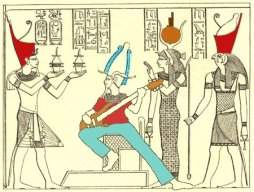


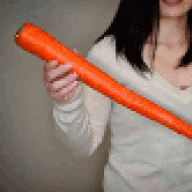
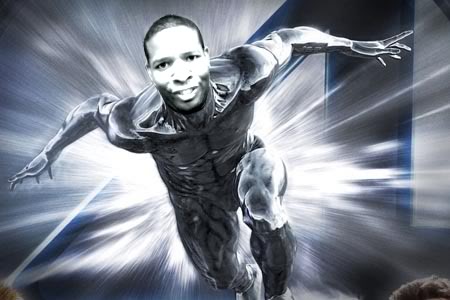
I'm still trying to get over this one. The metallic effect/color matching is really masterful. Did you used the usual suspects (RGB balance, saturation, contrast, brightness, etc) to do that or was it some other chicanery? If I could figure out the metallic thing, I've got a bunch of chops on deck!
EDIT: Looking at it again, sepia?
I usually desaturate the image and then I use the gradiant map tool. Choosing the colors and placement of those colors in the ramp is everything.
Thanks for all the nice comments everyone.
Here's my attempt at the silver surfer. I also played with curves, created a second later of the face and inverted it. (Invert tool) and set the layer mode to overlay. I think there might be inner glow but the glow is set to multiply, black and very low opacity.
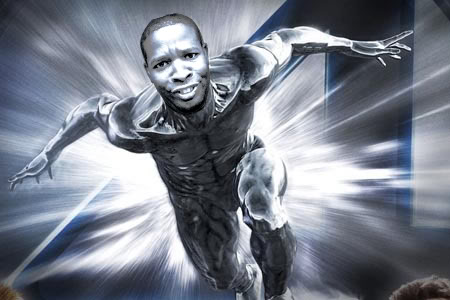
These are so lifelike, I'm beginning to think they're really me! Who ever thought I'd be a chemical-drinking scientist?