

Enjoy the benefits of a premium membership!
Upgrade Account
-
TalkBass has been independent since 1998. Add your voice.
Create a free account to reply to discussions, view embedded media, and browse with fewer display ads.
Join free Log in
Want zero display ads or expanded classifieds tools? Compare plans.
You are using an out of date browser. It may not display this or other websites correctly.
You should upgrade or use an alternative browser.
You should upgrade or use an alternative browser.
Post Your .gif's
- Thread starter capnsandwich
- Start date
- Status
- Not open for further replies.
More options
Who Replied?

A little off topic.
How does one edit a gif like this?
I tried to do so with Photoshop Elements. It will show all the frames (Pictures) as individual layers as it should, but I can't select and edit each individual layer. When I try to select a certain layer to edit, PSE will only show me the first layer in the interface.

I have a TON of .gif images, I get most of them from one place. PM me for website if you want it, it has some inappropriate stuff so I'm not gonna post it.
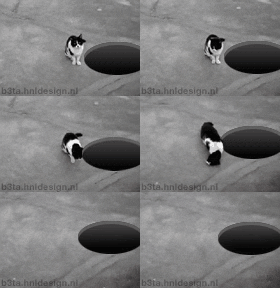
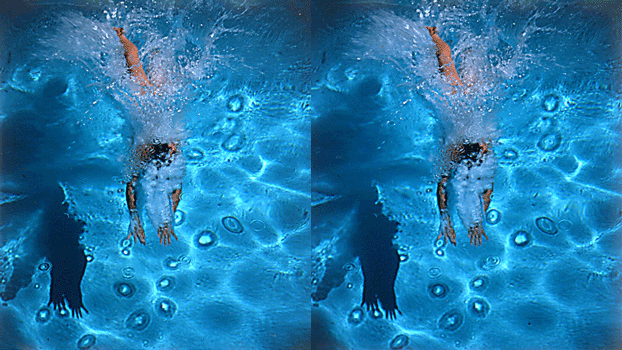




Link Removed
I love these. There used to be a commercial that did something similar but I don't remember what it was for.
This one is appropriate:
[ATTACH=full]1407063[/ATTACH]
[/QUOTE]
That cat sucks, (s)he doesnt even use the G string...
Attachments





And over and over and over.....Old as the internet, but I still never get tired of watching this over and over.
How do you get drool out of your keyboard?
A little off topic.
How does one edit a gif like this?
I tried to do so with Photoshop Elements. It will show all the frames (Pictures) as individual layers as it should, but I can't select and edit each individual layer. When I try to select a certain layer to edit, PSE will only show me the first layer in the interface.
I did it with Adobe ImageReady. This application used to come
bundled with Photoshop CS2 and earlier. They say [Invalid or Expired Link Removed] but
I always go back to ImageReady.

Mark Wilson
Supporting Member



Quite possibly the best .gif ever created. I actually watched the whole thing beginning to end and couldn't stop laughing
.
I did it with Adobe ImageReady. This application used to come
bundled with Photoshop CS2 and earlier. They say [Invalid or Expired Link Removed] but
I always go back to ImageReady.
Thanks, I'll check it out.

I love the WWII gif.. my favorite part is definitely
"*** is nukes? holy **** holy **** holy ****!!!!"
"*** is nukes? holy **** holy **** holy ****!!!!"
- Status
- Not open for further replies.


