
Simple, Free Bass Pattern app

- By SBassman
- Tablature and Notation [BG]
- 0 Replies
There are many scale/pattern apps online, but, I wanted a simple one. I also regularly work with Claude, ChatGPT, and Gemini AI, and I thought it would be interesting to have one of them build a simple one. I am sharing it in the attachment.
Download the file. Rename it so the extension is .html not .txt. From a Windows machine, simply double click it in File Explorer to open it in a browser.
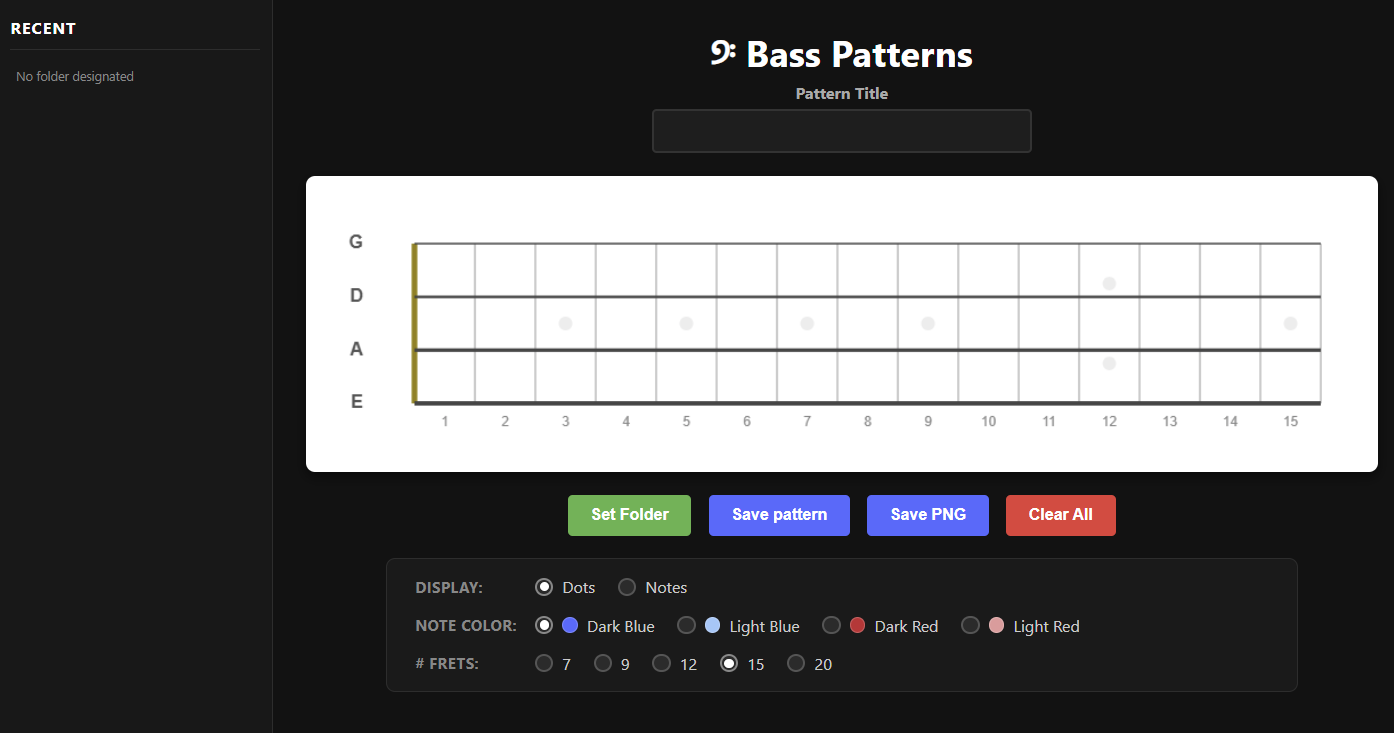
It's fairly self explanatory, but here are some quick notes:
- First Set a Folder you want the program to save to and load from
- Type a name of the pattern/scale/chord into the Pattern Title box
- Choose from the settings - Dots or Notes, Dot Color, # Frets
- Click on the fretboard to select notes
- Click Save Pattern to save the pattern to a data - json - file.
- Click Save PNG to save an image of the pattern. Not necessary, if you have the data file, but, you can if you like.
- When you fill a folder with several pattern/scale/chord data files, when you restart the program next time around and set to that folder again, the program will show you a list of all of those in the left Recent column.
Let me know if you have any questions.
Download the file. Rename it so the extension is .html not .txt. From a Windows machine, simply double click it in File Explorer to open it in a browser.
It's fairly self explanatory, but here are some quick notes:
- First Set a Folder you want the program to save to and load from
- Type a name of the pattern/scale/chord into the Pattern Title box
- Choose from the settings - Dots or Notes, Dot Color, # Frets
- Click on the fretboard to select notes
- Click Save Pattern to save the pattern to a data - json - file.
- Click Save PNG to save an image of the pattern. Not necessary, if you have the data file, but, you can if you like.
- When you fill a folder with several pattern/scale/chord data files, when you restart the program next time around and set to that folder again, the program will show you a list of all of those in the left Recent column.
Let me know if you have any questions.


