

Enjoy the benefits of a premium membership!
Upgrade Account
-
TalkBass has been independent since 1998. Add your voice.
Create a free account to reply to discussions, view embedded media, and browse with fewer display ads.
Join free Log in
Want zero display ads or expanded classifieds tools? Compare plans.
You are using an out of date browser. It may not display this or other websites correctly.
You should upgrade or use an alternative browser.
You should upgrade or use an alternative browser.
Roscoe pictures (from Roscoe Forum)
- Thread starter VroomVroom
- Start date
More options
Who Replied?
Time for some fresh shots. I really wish I had a better location/setup for snapping photos. Sigh.  For anyone interested, here's the nerd stuff: Nikon D90 w/ 35mm f/1.8 lens. Aperture mode, mostly @ f3.2, w/ ISO @ 800. Shot raw, with white balance adjustment (florescent) and minor other adjustments made in PS CS4 prior to .jpg export.
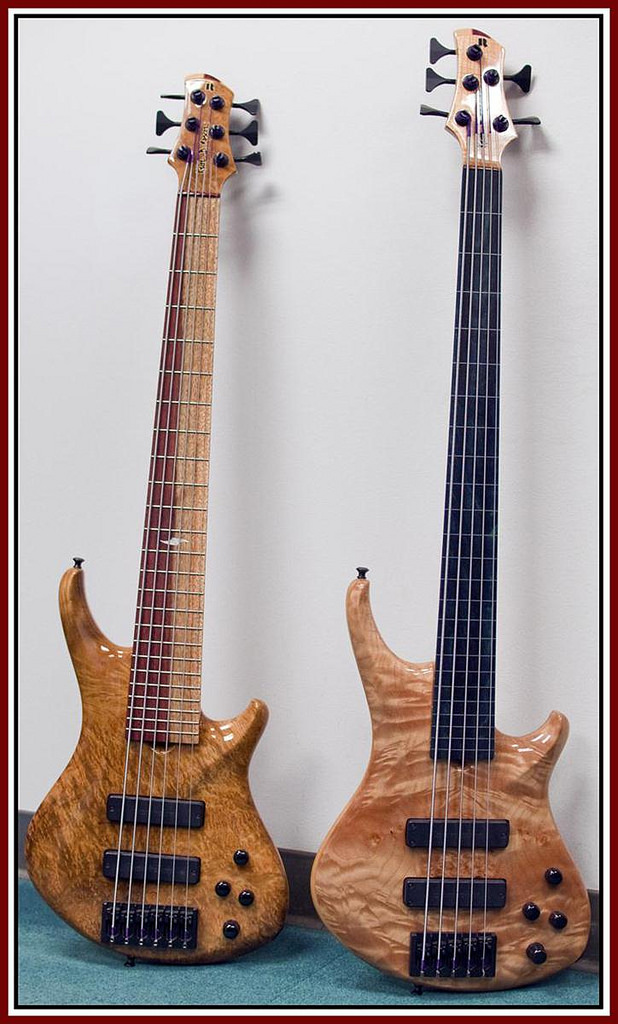
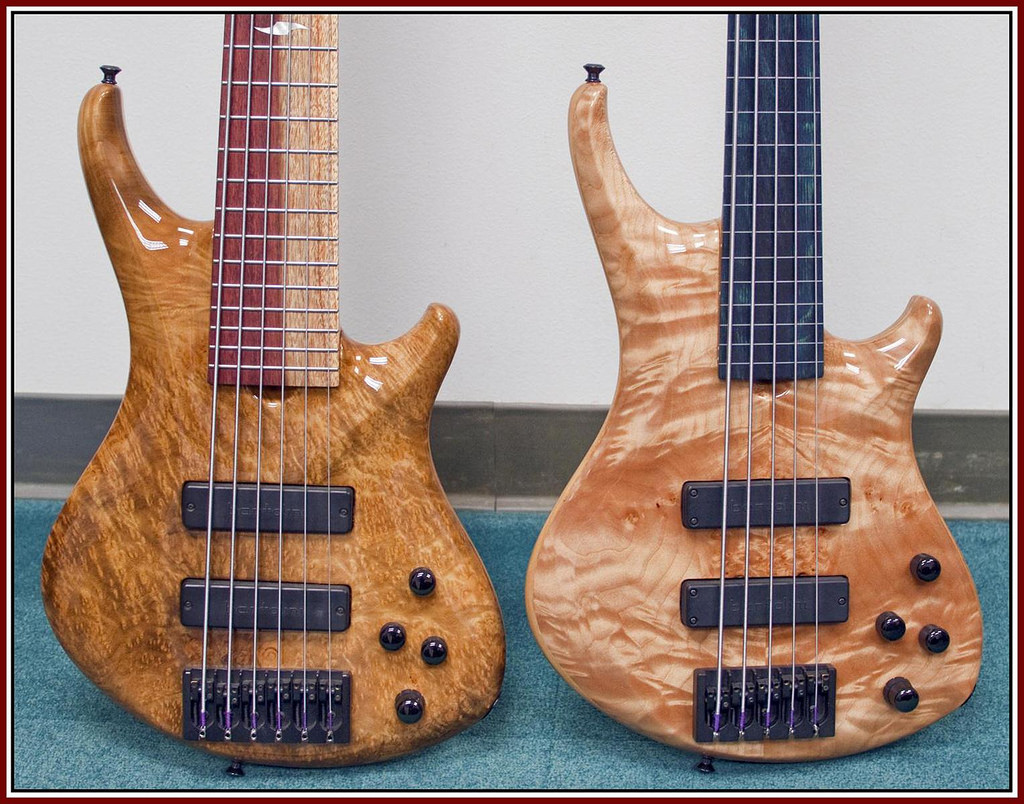
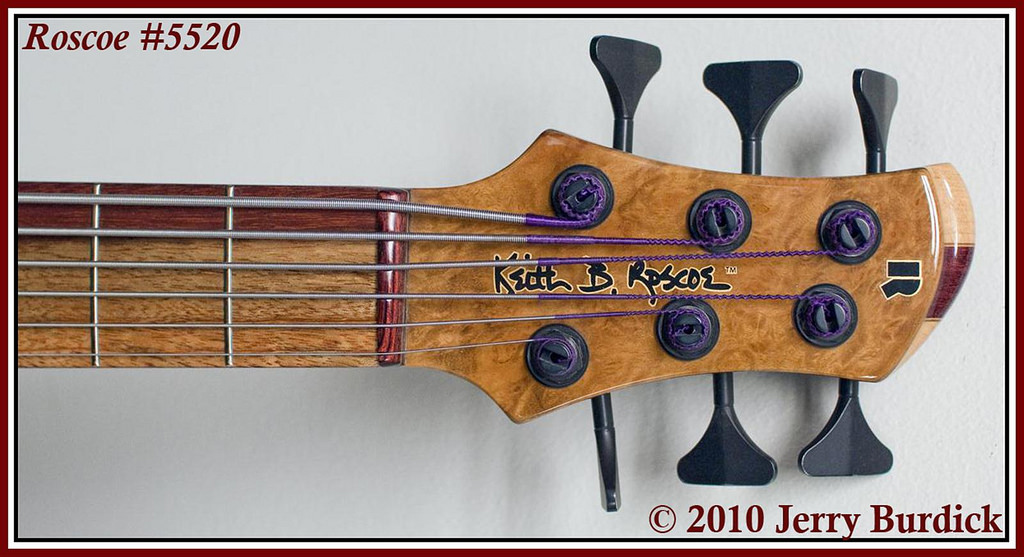
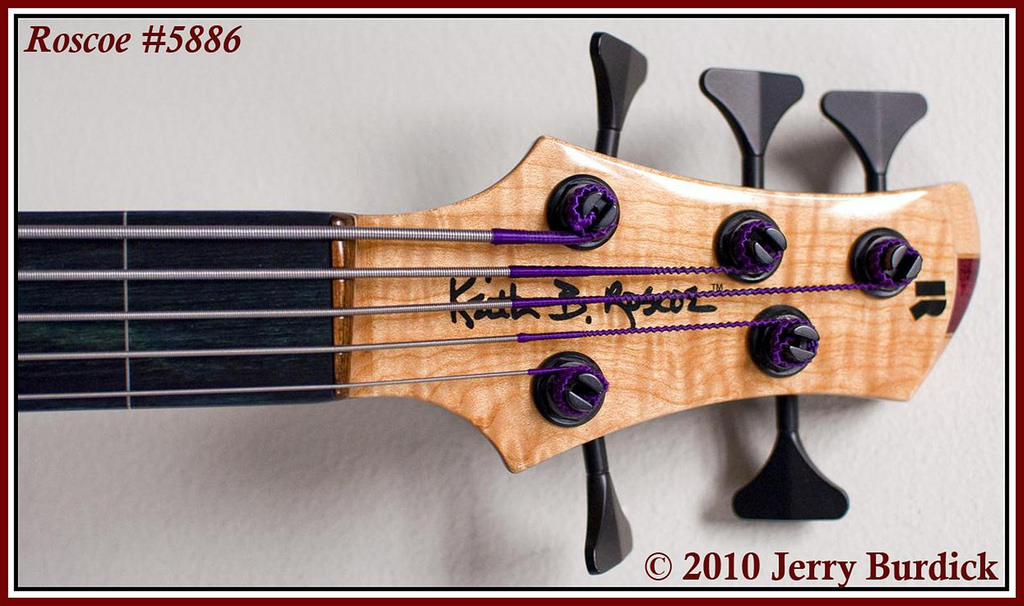
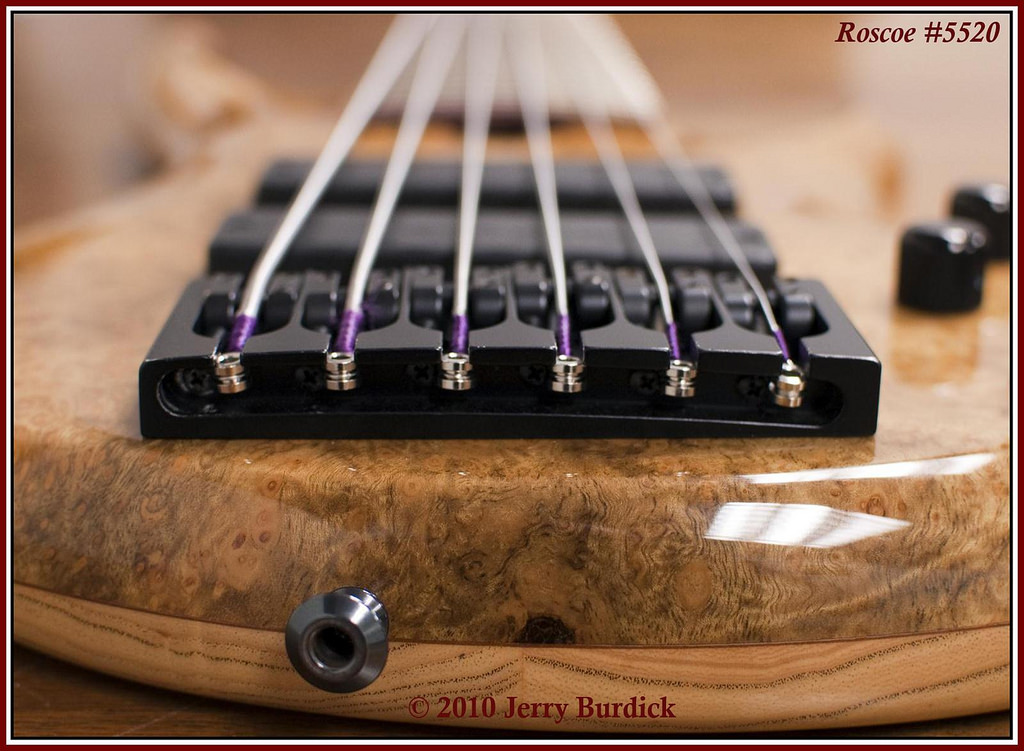
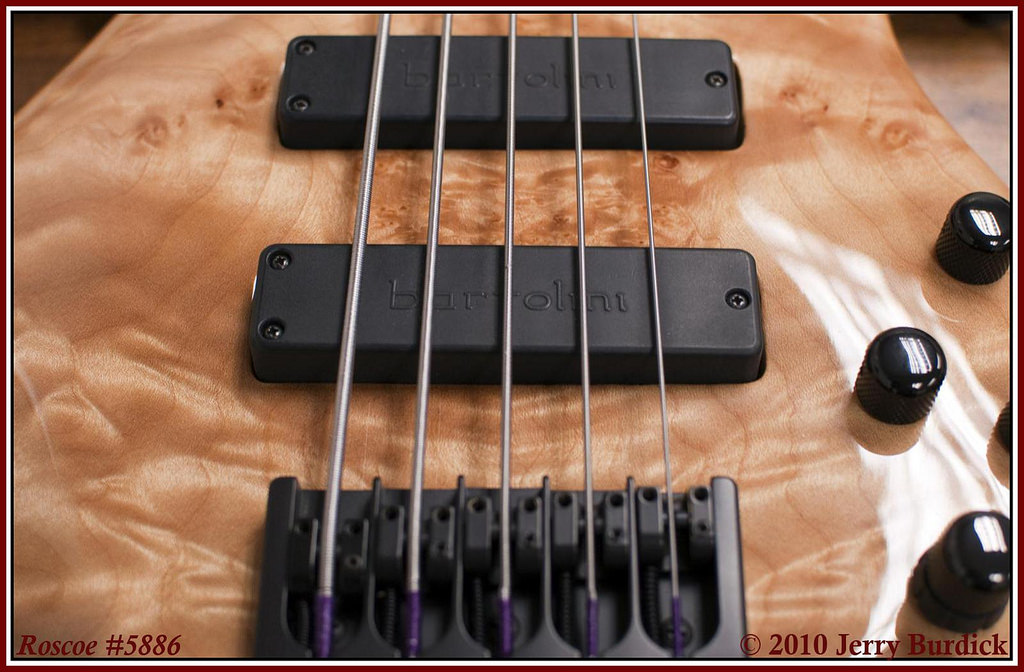
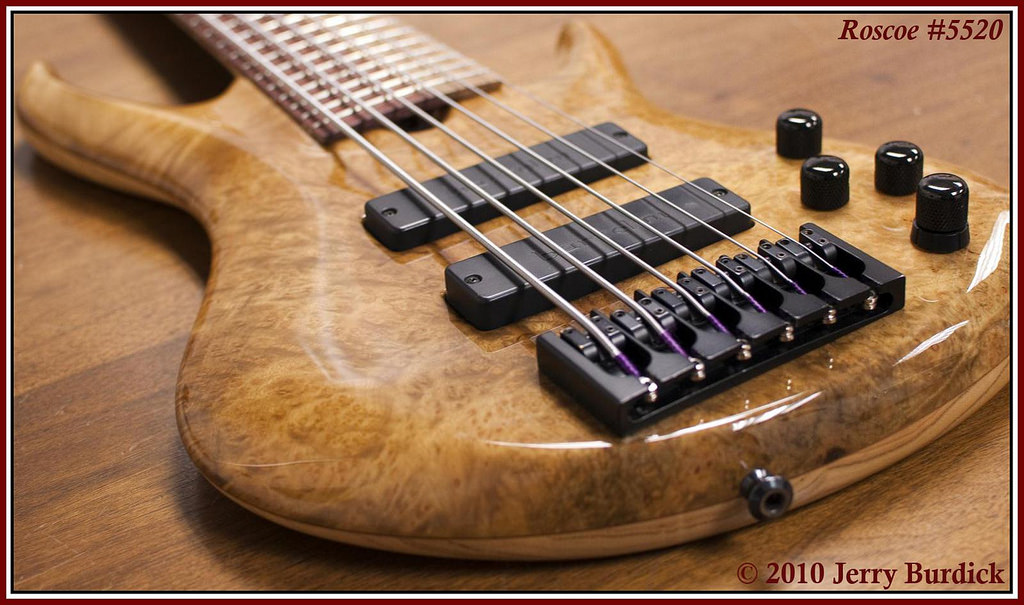
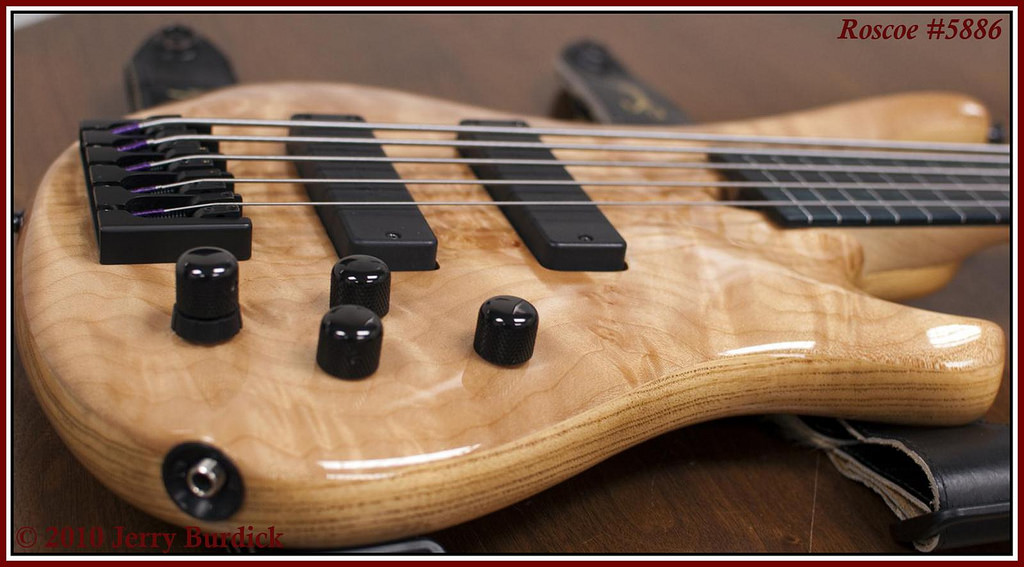
For anyone interested, here's the nerd stuff: Nikon D90 w/ 35mm f/1.8 lens. Aperture mode, mostly @ f3.2, w/ ISO @ 800. Shot raw, with white balance adjustment (florescent) and minor other adjustments made in PS CS4 prior to .jpg export.
Wow! Really nice job, Jerry. I LOVE the look of your new 5-string fretless. The figure in that top looks like fire!

Great pics, Jerry. Is over half the thickness of your myrtle SKB made of myrtle? If so, that is awesome!

LilRay
Commercial User
- Dec 27, 2007
- 4,166
- 39
- Disclosures
- Owner: Cockeyed Cow Custom Leathercraft
 (Hint-Hint)
Thanks, fellas. Isn't the top on fertile myrtle something? Man, do I love that bass!
Still learning/experimenting/failing with text, border, & resize issues. You'd think I'd have that down by now...argh.
Still learning/experimenting/failing with text, border, & resize issues. You'd think I'd have that down by now...argh.
Is that photoshop, Jerry? If so, you'll have to hip me to that border stuff - it's pretty snazzy!
Goodness, Gracious, Great Balls All Lined Up!
The nuts on those basses are also pretty phenomenal!

Youbetcha. Piece of cake (although many editing apps have built-in border functions nowadays that are one-steppers). Anyway, from within Photoshop...Is that photoshop, Jerry? If so, you'll have to hip me to that border stuff - it's pretty snazzy!
<Ctrl>-<Alt>-C will bring up a 'Canvas Size' dialog box.
In the 'New Size' section, select the width and height (I use pixels for the unit) and then choose a 'canvas extension color.' Bada boom. Repeat for each additional layer. In the samples above, I think I went with 10-pixel black, 15-pixel white, and finally a 20-pixel dark red.
Nice!
I must see if GIMP can do something similar, though I should probably just sack up and get myself a copy of Photoshop.
I must see if GIMP can do something similar, though I should probably just sack up and get myself a copy of Photoshop.
Bill, we'll have to chat...I'm sure (cough) something can be worked out to address this travesty. Your ridiculous skillset + Photoshop = magical results, without a doubt. A PM will be headed your way shortly. 
Youbetcha. Piece of cake (although many editing apps have built-in border functions nowadays that are one-steppers). Anyway, from within Photoshop...
<Ctrl>-<Alt>-C will bring up a 'Canvas Size' dialog box.
In the 'New Size' section, select the width and height (I use pixels for the unit) and then choose a 'canvas extension color.' Bada boom. Repeat for each additional layer. In the samples above, I think I went with 10-pixel black, 15-pixel white, and finally a 20-pixel dark red.
Awesome, thanks for the info, Jerry!! I'll have to play around with that on the next instrument I shoot.



Awesome, thanks for the info, Jerry!! I'll have to play around with that on the next instrument I shoot.
just be careful where you're aiming...

You don't want me to pull a Favre?
...just remember, no matter what the object of the photo, Crocs are never cool...
You don't want me to pull a Favre?
If you want to pull on Favre...well, what you do in the privacy of your own home is no business of mine.
Just no pictures...
Hey Jerry,
I was looking through this thread reminiscing over the White one that got away, and I noticed that Fertile Myrtle seems to have the rear strap button further "down" (in the perspective of these pics) than the other two. Have you ever noticed any difference in feel while playing strapped than any other Roscoe you've owned/played?
Best,
Justin


