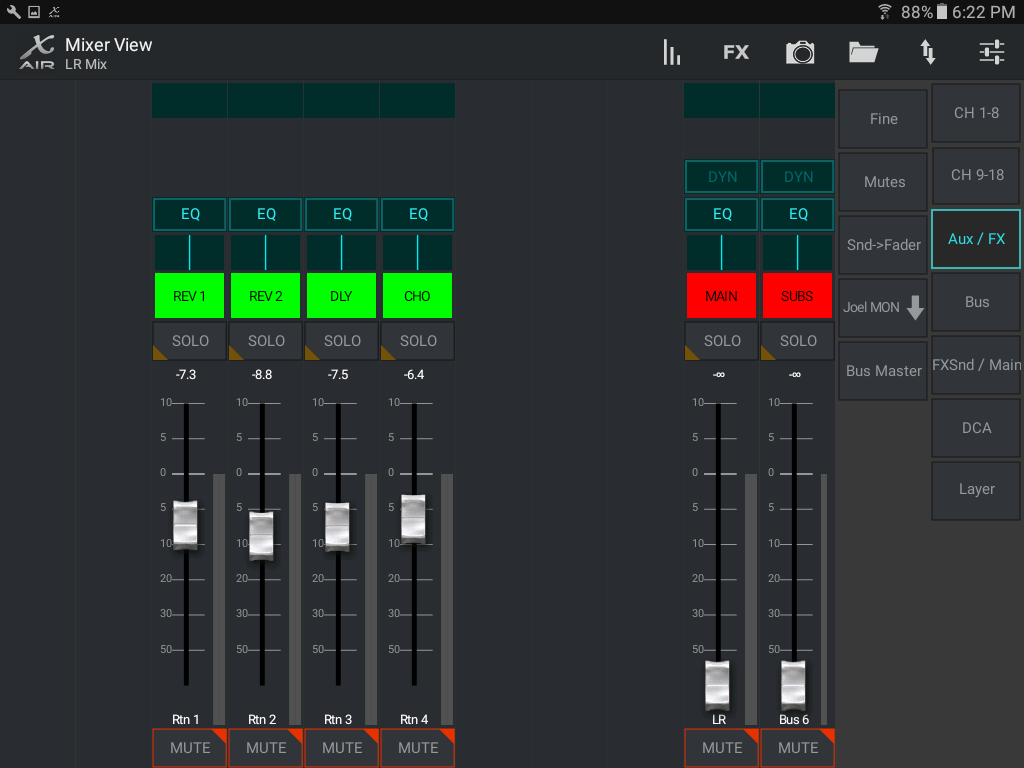
This is something I am currently experimenting with. I started with the iPad, but in reading it seems that most folk were preferring the Android based app. Easier scene and show saving, RTA's etc. A good friend of mine also new to this unit has been using an ASUS 10.1" 2-in-1 with the X-Edit and loves it. So, I am working on trying all three to see whats up. I picked up a Samsung Galaxy Tab A 9.75" tablet for teh Android side, using the iPad Air2 for the iOs and for now, my home PC connected via ethernet to replicate a windows based hand held.
The iOs interface is handsome. And, I find it the second most intuitive. It's a real shame that it lacks behind teh Android in accessible features because it just looks so much nicer.
I made a post here with some screen shots from all three.
Behringer X-Air Screen Shots
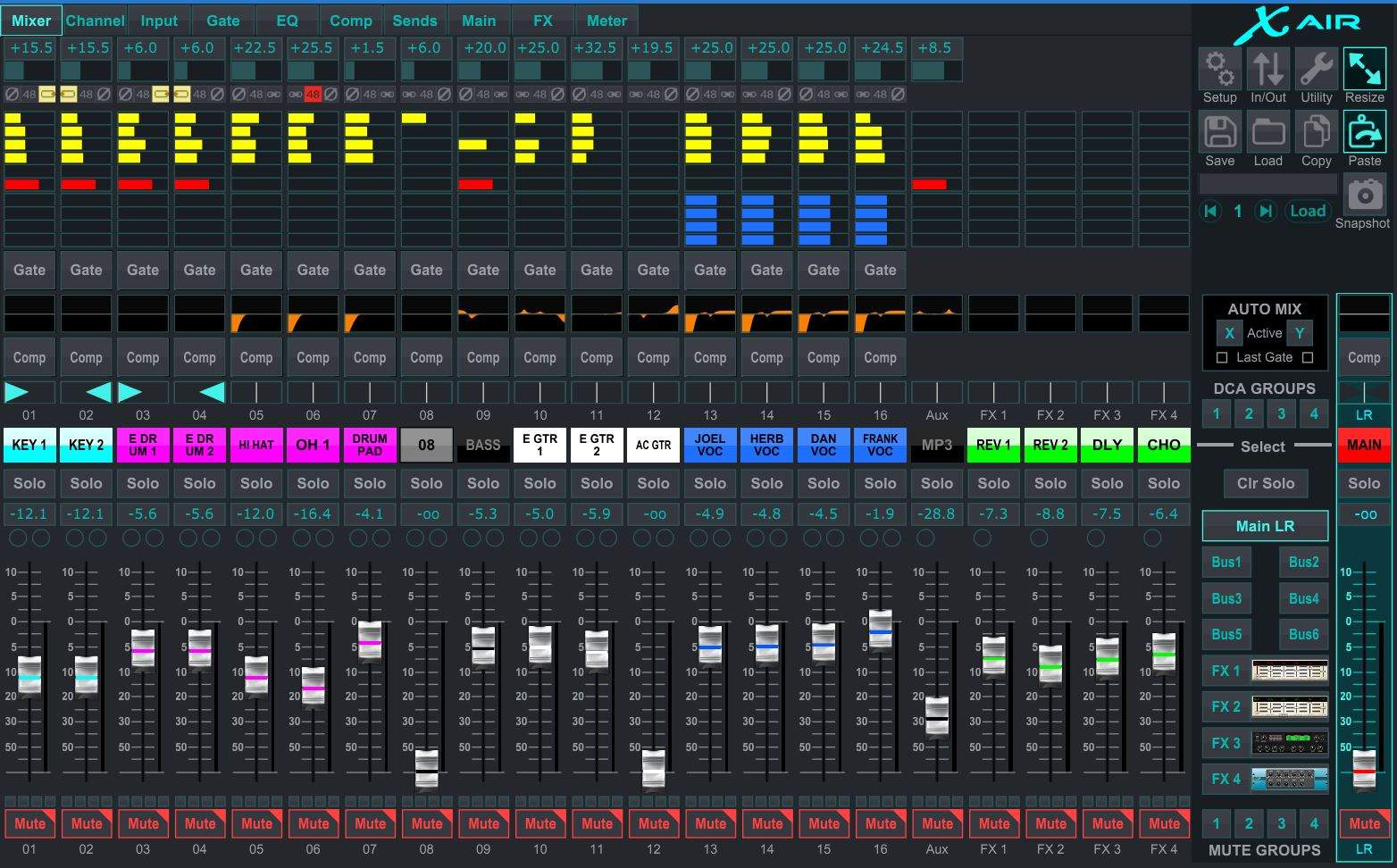
This is the X Edit program full screen. The friend I mentioned access all this on one 10.1" ASUS touch screen and has no issues, and he's no small dude.
When asking about send access, there are a couple ways on the X Edit program. One from the top ribbon for each channel, or through UTILITY/BUS which opens this full pop out window. Nice they both look different though and the ribbon tab has some other features this one does not. Depends on what you need. But both quick and easy access.
With the iPad you have the option of seeing 8 channels at a time or all. This is the eight and you can swipe right and left to access either side.
This is the iPad with all channels opted in. A 9.75" screen and still enough for my fat fingers to easily access. Notice the graphical info present at the top of the screen like in the X Edit program. Very nice.
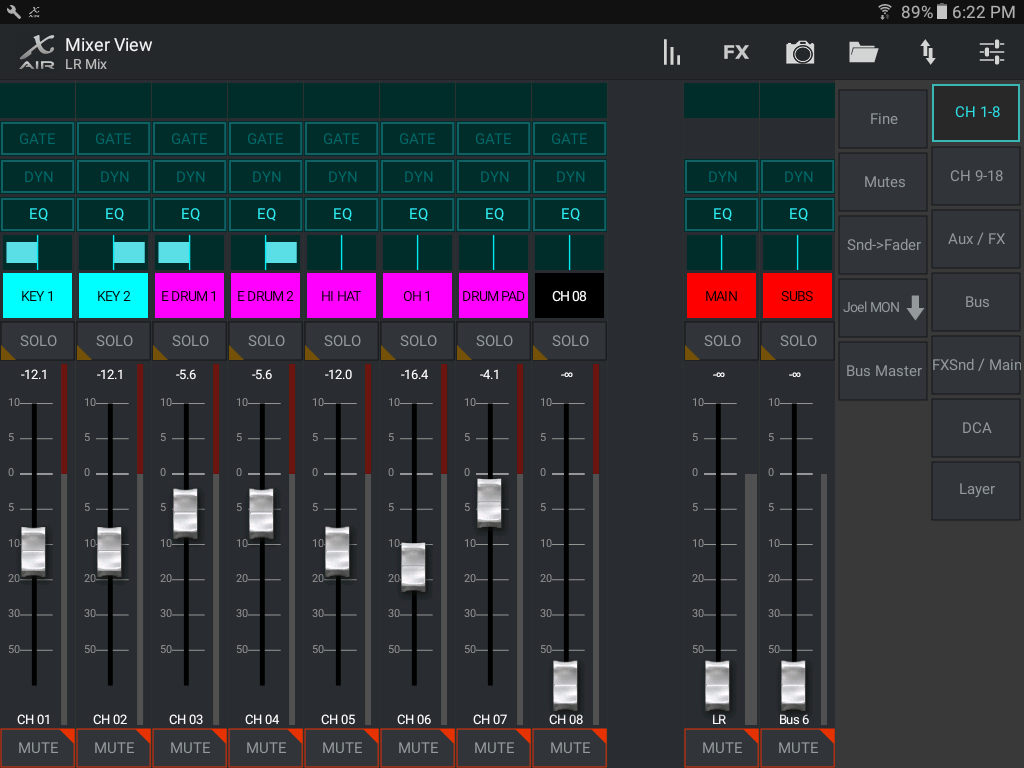
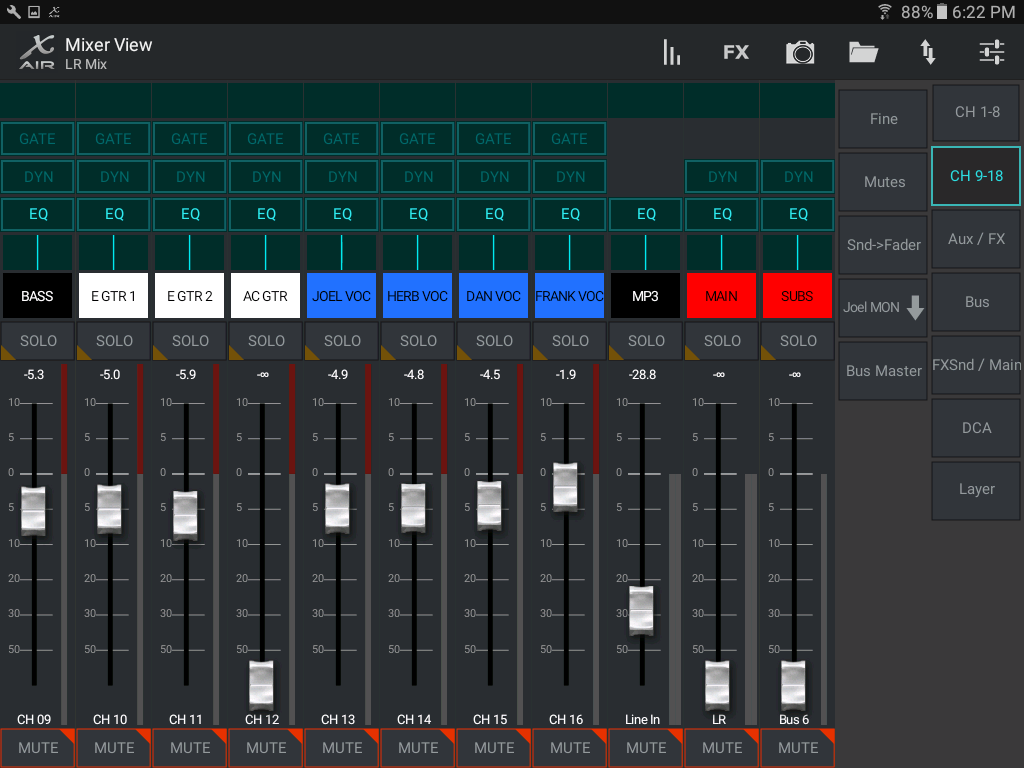
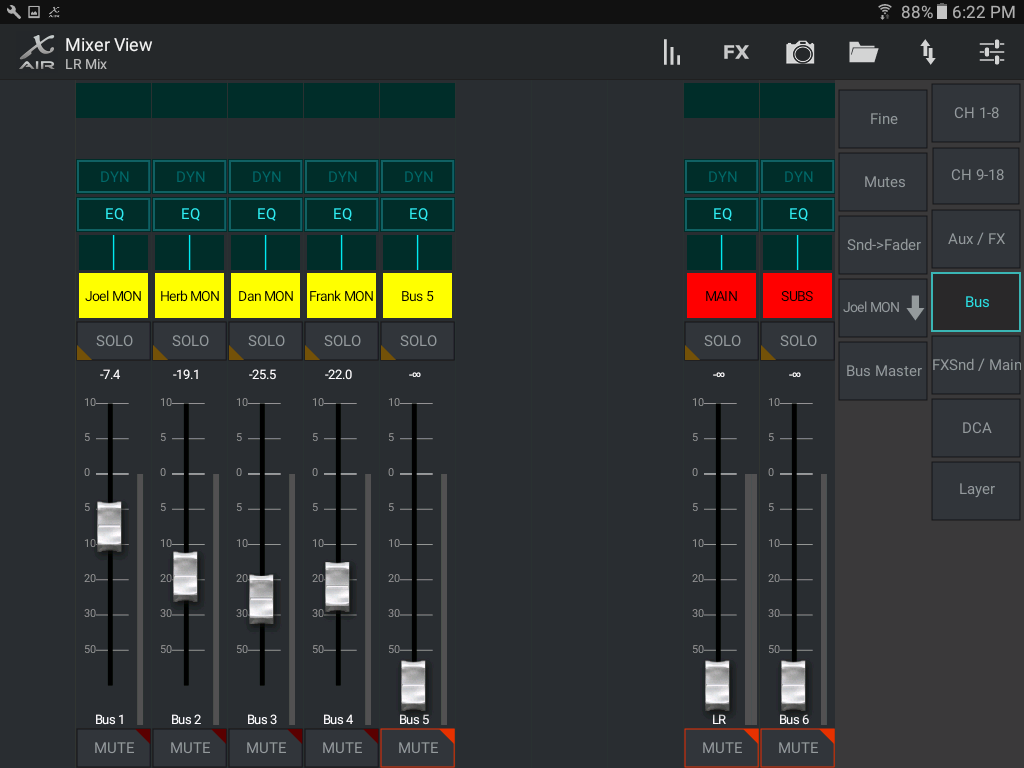
Now, onto the Android app. I altered the layers to my liking and keep some things on the screen at all times, like the mains and sub on aux6 faders. That's why you'll see them on every screen. The navigation is just not as intuitive to me as the other two. I had to work with a bit to get comfortable. Not a big deal, just nowhere as nice. And note that the useful graphical info above the faders is not there. Too bad.And, no swiping at all. Each screen is accessed by pressing the associated button on the right side. And, I won't even go into how stark/bad the FX pages look compared to boteh teh iOs and Windows versions.
Here are channels 1-9
And channels 10-18.
Sends:
And FX
Hope this helps a bit.