

Enjoy the benefits of a premium membership!
Upgrade Account
-
TalkBass has been independent since 1998. Add your voice.
Create a free account to reply to discussions, view embedded media, and browse with fewer display ads.
Join free Log in
Want zero display ads or expanded classifieds tools? Compare plans.
You are using an out of date browser. It may not display this or other websites correctly.
You should upgrade or use an alternative browser.
You should upgrade or use an alternative browser.
Source Audio Sorcerers Society (S.A.S.S) Part 3
- Thread starter gregmon79
- Start date
More options
Who Replied?

Hey is anyone else having issues with the editor “not responding” when on PC (obviously)?? I keep trying to mess with the C4 and editor with the hub inline on my board (not plugged into the editor though) and almost every time I start messing with anything like opening the editor for the pedal or go to community presets it freezes up and goes to “not responding”. But I’m not sure if it’s just my computer or the editor. It wasn’t doing this leading up to maybe a day or two ago though. And I believe I’m updated to the latest firmware on everything.
So is this happening to anyone else quite a bit?
So is this happening to anyone else quite a bit?


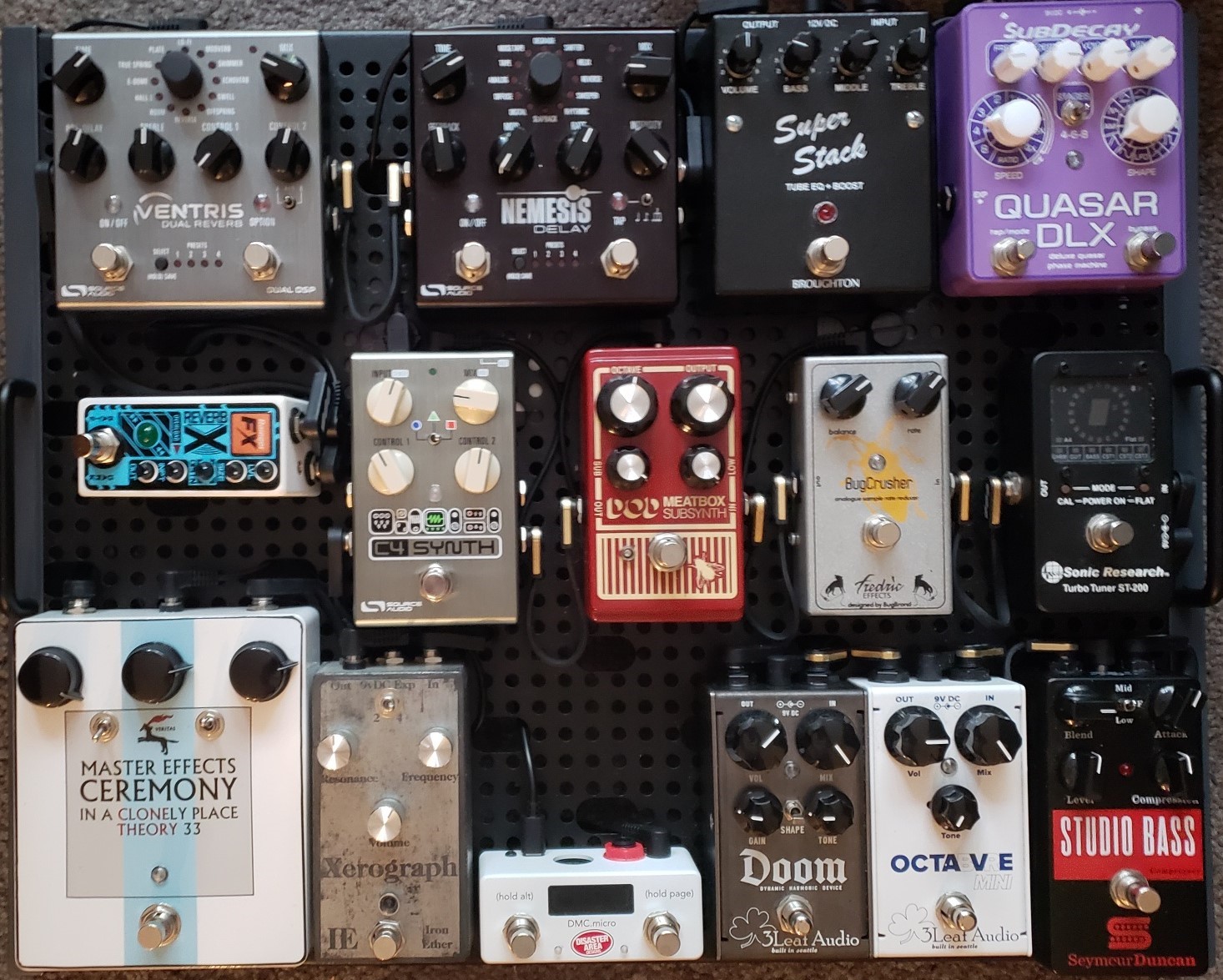
So up to today I was monkeying with the C4 alone, but now that i have it integrated into my board? Holy crap does it sound wonderful getting slammed by fuzz or running into my Xerograph.

rsmith601
Commercial User
- Apr 14, 2009
- 4,461
- 8,356
- Disclosures
- CEO and Co-Founder, Source Audio
Desktop Editor probably the easiest way to see whatBack to C4, just received the pedal by Thomann herein France. The 6 presets give some taste of the product, really powerful dare i say. My problem is about first 2 knobs. Default parameter seems being sensivity on the first one. When i switch to alt mode, it becomes input (should be input gain as default parameter), mix doesn't switch to vol function. What am i missing here ? Is it a defective unit or is there a simple thing to do to get things back to normal ?
I have noted that when the pedal is connected to the editor overnight, it can hang up.Hey is anyone else having issues with the editor “not responding” when on PC (obviously)?? I keep trying to mess with the C4 and editor with the hub inline on my board (not plugged into the editor though) and almost every time I start messing with anything like opening the editor for the pedal or go to community presets it freezes up and goes to “not responding”. But I’m not sure if it’s just my computer or the editor. It wasn’t doing this leading up to maybe a day or two ago though. And I believe I’m updated to the latest firmware on everything.
So is this happening to anyone else quite a bit?

I just published my 1st C4 preset 
how do i change the thumbnail picture ascociated with my account?
thanks
how do i change the thumbnail picture ascociated with my account?
thanks
rsmith601
Commercial User
- Apr 14, 2009
- 4,461
- 8,356
- Disclosures
- CEO and Co-Founder, Source Audio
On the Neuro Mobile you tap on the upper left icon on your screen. This take you to your profile. Center top is where you can change the pic. Mine is a Source Audio logo!!I just published my 1st C4 preset
how do i change the thumbnail picture ascociated with my account?
thanks
rsmith601
Commercial User
- Apr 14, 2009
- 4,461
- 8,356
- Disclosures
- CEO and Co-Founder, Source Audio
BTW, its only a few weeks and we are over 320 C4 Neuro presets! Amazing work everyone.
Overall, we are 1552 community presets across all pedals. It is very exciting to see that these tools are really starting to be broadly useful.
Overall, we are 1552 community presets across all pedals. It is very exciting to see that these tools are really starting to be broadly useful.
It's possible to do a factory reset from the Neuro app. I'd do that, update it to the latest firmware and see where you're after that.
The malfunctioning part was me ! I didn't noticed there's 2-led status, the Alt mode being active when it's blinkering. Everything's ok

Can anyone on here PLEASE explain to me, in layman’s terms, step by step, how to update the firmware on the Disaster Area DMC Micro? I’m pulling my hair out trying to make this work!!!
So it’s getting there. Not wired yet. But it’ll be there before I know it!
Ma boy Roscoe gets jealous when I’m workin on my board. But he approves
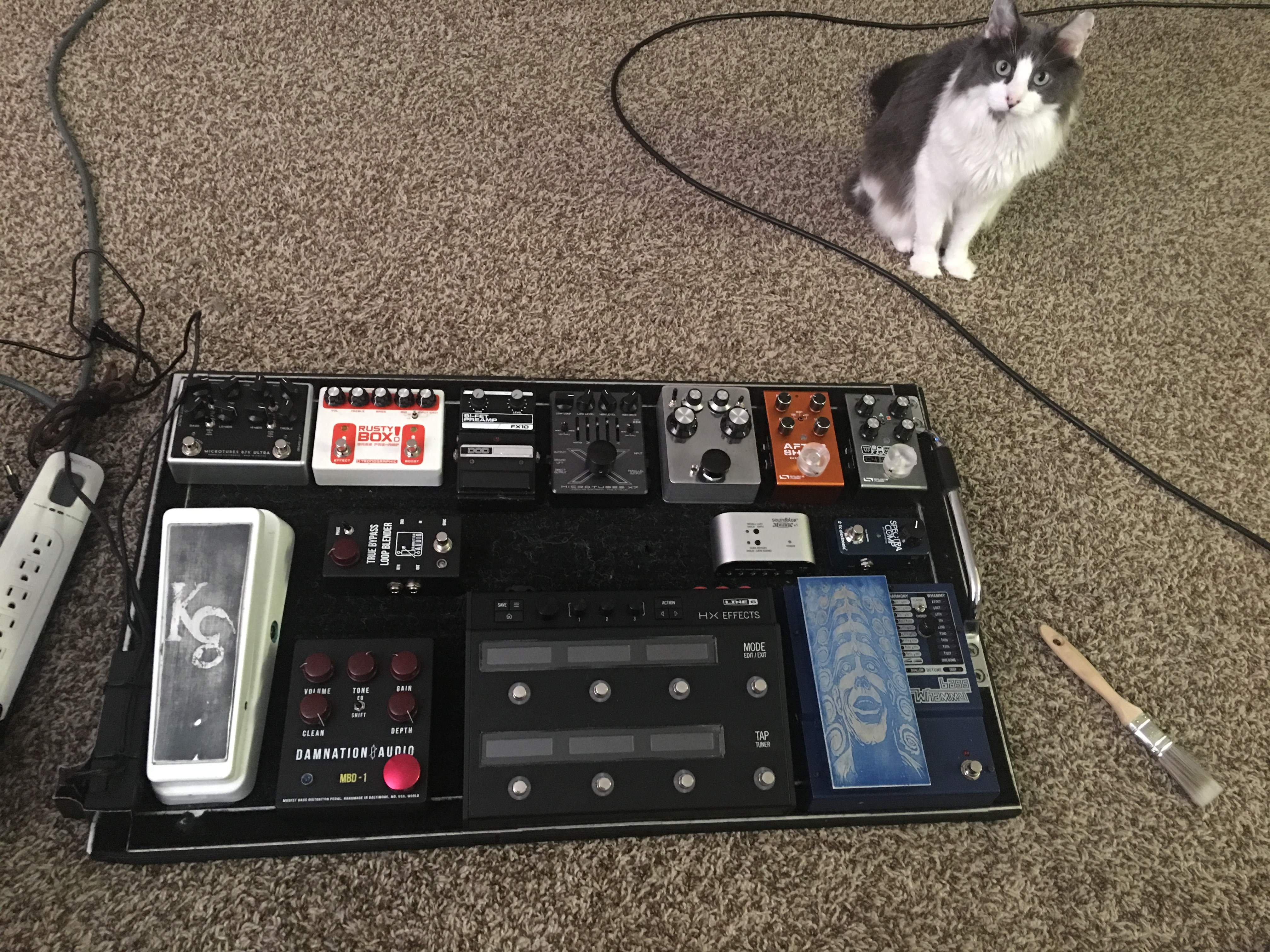
Ma boy Roscoe gets jealous when I’m workin on my board. But he approves

If you have a Mac you need to download the Updater Application AND the binary. Launch the App, it asks you to first find the the DMC micro, which mounts like a drive on your desktop. Then it asks you to find the binary.The App is a little scary as it asks for access to Terminal!?!? But it worked for me yesterday. Don't get me started what a PITA it is to get the DCM configured. Watch the video on YouTube, it still took me multiple tries!Can anyone on here PLEASE explain to me, in layman’s terms, step by step, how to update the firmware on the Disaster Area DMC Micro? I’m pulling my hair out trying to make this work!!!
rsmith601
Commercial User
- Apr 14, 2009
- 4,461
- 8,356
- Disclosures
- CEO and Co-Founder, Source Audio
I can give you step by step, but not till tomorrow. Late Saturday night for me.I have Windows!
Thank you! Tomorrow’s fine. I’m on a date night with my seven year old daughter!I can give you step by step, but not till tomorrow. Late Saturday night for me.
rsmith601
Commercial User
- Apr 14, 2009
- 4,461
- 8,356
- Disclosures
- CEO and Co-Founder, Source Audio
Wait, this is for the DMC Micro? I can't help with that. Sorry! Have you watched the video they posted on using that product with the C4?Thank you! Tomorrow’s fine. I’m on a date night with my seven year old daughter!
Yes, but I have to get the bloody firmware to load in the pedal before I can pair it with the C4. Midi is frustrating!Wait, this is for the DMC Micro? I can't help with that. Sorry! Have you watched the video they posted on using that product with the C4?
Yes, but I have to get the bloody firmware to load in the pedal before I can pair it with the C4. Midi is frustrating!
Amen. It’s like connecting dots. Like it’s so simple yet so mind bending at the same time. It’s tough though sometimes because while it’s like connecting dots, sometimes the next dot is invisible so you’re not sure where to go.
I know for me, I finally found that midi mapping options thanks to @rsmith601 but now it’s like I can’t get the midi action I want unless my pedal is plugged into the computer. Once I unplug it from the computer it’s like it forgets the mapping I changed. But I need to read the manual. It’s probably just a thing she’s i need to save something somewhere.
rsmith601
Commercial User
- Apr 14, 2009
- 4,461
- 8,356
- Disclosures
- CEO and Co-Founder, Source Audio
Hmm. That is odd. Try this simple test. Press the reset button to return all the MIDI assignments back to the default. (I am assuming that you have not mapped many things and it will be easy to put it all back). Then, pick some location and assign it. Unplug the pedal from USB. Now plug the pedal back in. Did your assignment stick?Amen. It’s like connecting dots. Like it’s so simple yet so mind bending at the same time. It’s tough though sometimes because while it’s like connecting dots, sometimes the next dot is invisible so you’re not sure where to go.
I know for me, I finally found that midi mapping options thanks to @rsmith601 but now it’s like I can’t get the midi action I want unless my pedal is plugged into the computer. Once I unplug it from the computer it’s like it forgets the mapping I changed. But I need to read the manual. It’s probably just a thing she’s i need to save something somewhere.
Hmm. That is odd. Try this simple test. Press the reset button to return all the MIDI assignments back to the default. (I am assuming that you have not mapped many things and it will be easy to put it all back). Then, pick some location and assign it. Unplug the pedal from USB. Now plug the pedal back in. Did your assignment stick?
I’ll try they right now. Thanks for the pointer. I always should try to follow my win advice sometimes! Factory resets/resets are usually the way to go when you’re having issues with digital stuff. Well, a lot of times. Depending on the situation. But I didn’t think to do that on this case.


